

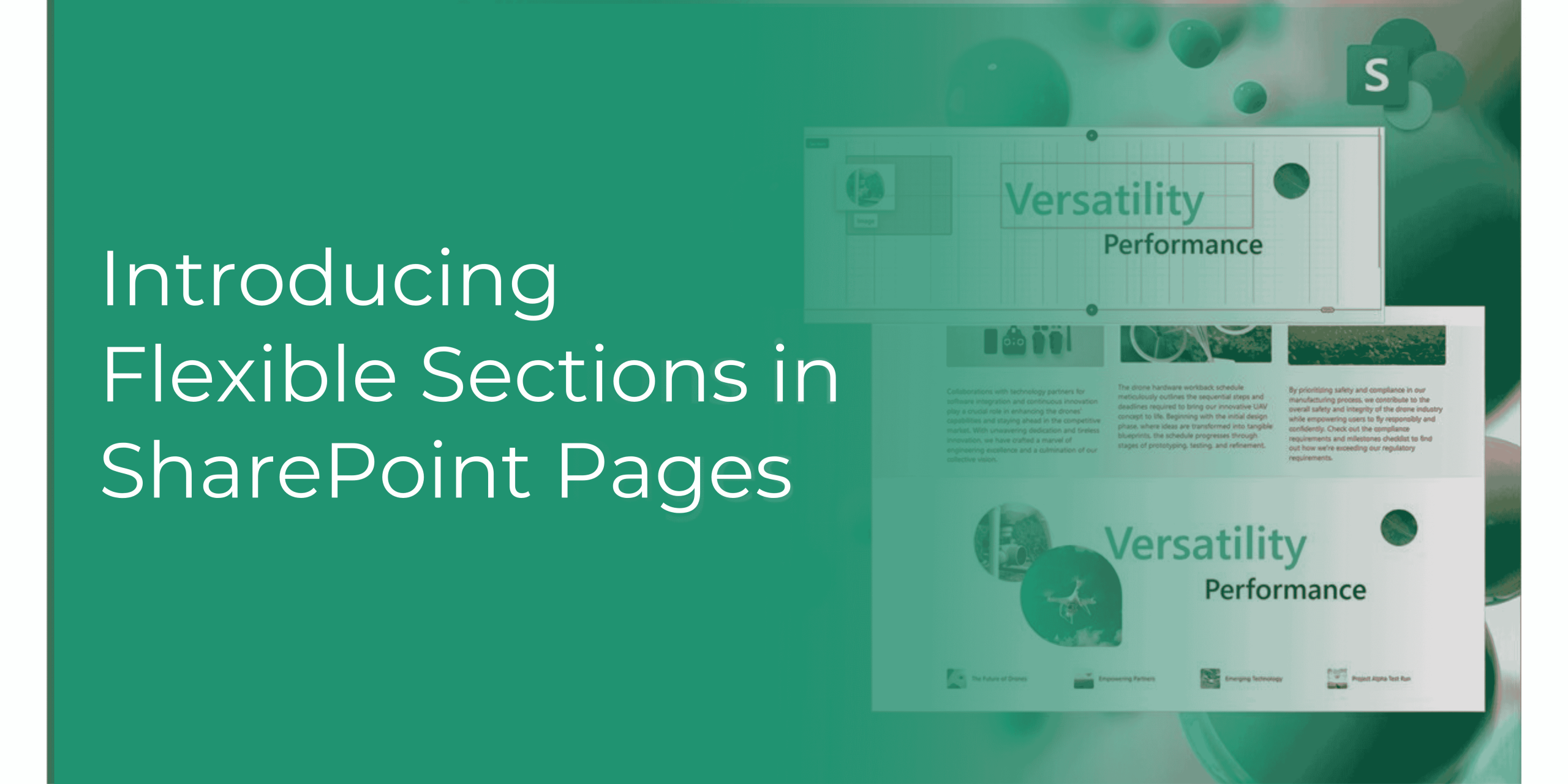
Introducing Flexible Sections in SharePoint: Revolutionizing Page Layout and Design

Microsoft SharePoint has always been a powerful tool for creating and managing content. With the introduction of the new SharePoint Flexible Sections feature, designing and customizing pages has become even more intuitive and versatile. This blog will explore the challenges of traditional page design, provide examples of how the new feature can be used, and highlight the top benefits of this exciting update.

Challenges in Traditional Page Design

  1. Rigid Column Structures: Traditional SharePoint layouts often required strict adherence to predefined column structures, limiting creativity and flexibility.
  2. Limited Customization: Customizing the placement and size of web parts was often cumbersome, leading to less dynamic and engaging pages.
  3. Complexity in Design: Creating visually appealing and functional pages required significant effort and expertise.


The New Flexible Sections Features

The new Flexible Sections feature in SharePoint addresses these challenges by allowing authors to build dynamic pages without the constraints of a strict column structure. Here’s how it works:

  • Freeform Layout: Web parts can be moved anywhere on a two-dimensional grid, resized, overlapped, and grouped. This allows for a more creative and personalized design.
  • Drag-and-Drop Functionality: Adding and arranging web parts is as simple as dragging and dropping them into place.
  • Resizing Options: Web parts can be resized using handles on their borders, providing greater control over the layout.
  • Grouping Web Parts: Related web parts can be grouped together, ensuring they reflow together in mobile view.
  • Mobile Reflow Models: Flexible sections transform into a one-column layout on mobile devices, with options to prioritize web parts from left to right or top to bottom. Learn More: SharePoint Records Management for managing Document Records

Examples of Flexible Sections in Action

  1. Corporate Intranet: Create a visually engaging homepage with overlapping web parts, such as news feeds, quick links, and image galleries.
  2. Project Management Dashboard: Design a dynamic dashboard with resizable charts, task lists, and document libraries, all arranged to fit the specific needs of the project.
  3. Employee Onboarding Portal: Develop an interactive onboarding portal with grouped web parts for training videos, HR policies, and contact information.

Flexible-section-sharepoint

Top Benefits of the Flexible Sections Feature

  1. Enhanced Design Freedom: Authors can create more engaging and tailored page designs without being restricted by column structures.
  2. Improved User Experience: Dynamic and visually appealing pages enhance user engagement and satisfaction.
  3. Simplified Customization: The drag-and-drop functionality and resizing options make it easier to customize pages to meet specific needs.
  4. Mobile Optimization: The flexible sections automatically adapt to mobile devices, ensuring a seamless experience across all platforms.
  5. Increased Productivity: By simplifying the design process, authors can create and update pages more efficiently.

SharePoint’s new Flexible Sections feature is a game-changer for organizations looking to create dynamic and engaging pages. Its integration with Microsoft 365, ease of use, and powerful customization options make it the ideal tool for managing SOPs and other critical documents. SharePoint for Policy Management

For a detailed walkthrough of the new Flexible Sections feature, check out this video by Microsoft1.

In conclusion, the Flexible Sections feature in SharePoint empowers users to design pages with greater flexibility and creativity, ultimately enhancing the overall user experience and productivity.

Read More: https://adapt365.titanworkspace.com/blog/

Comments are closed