Subtotal $0.00


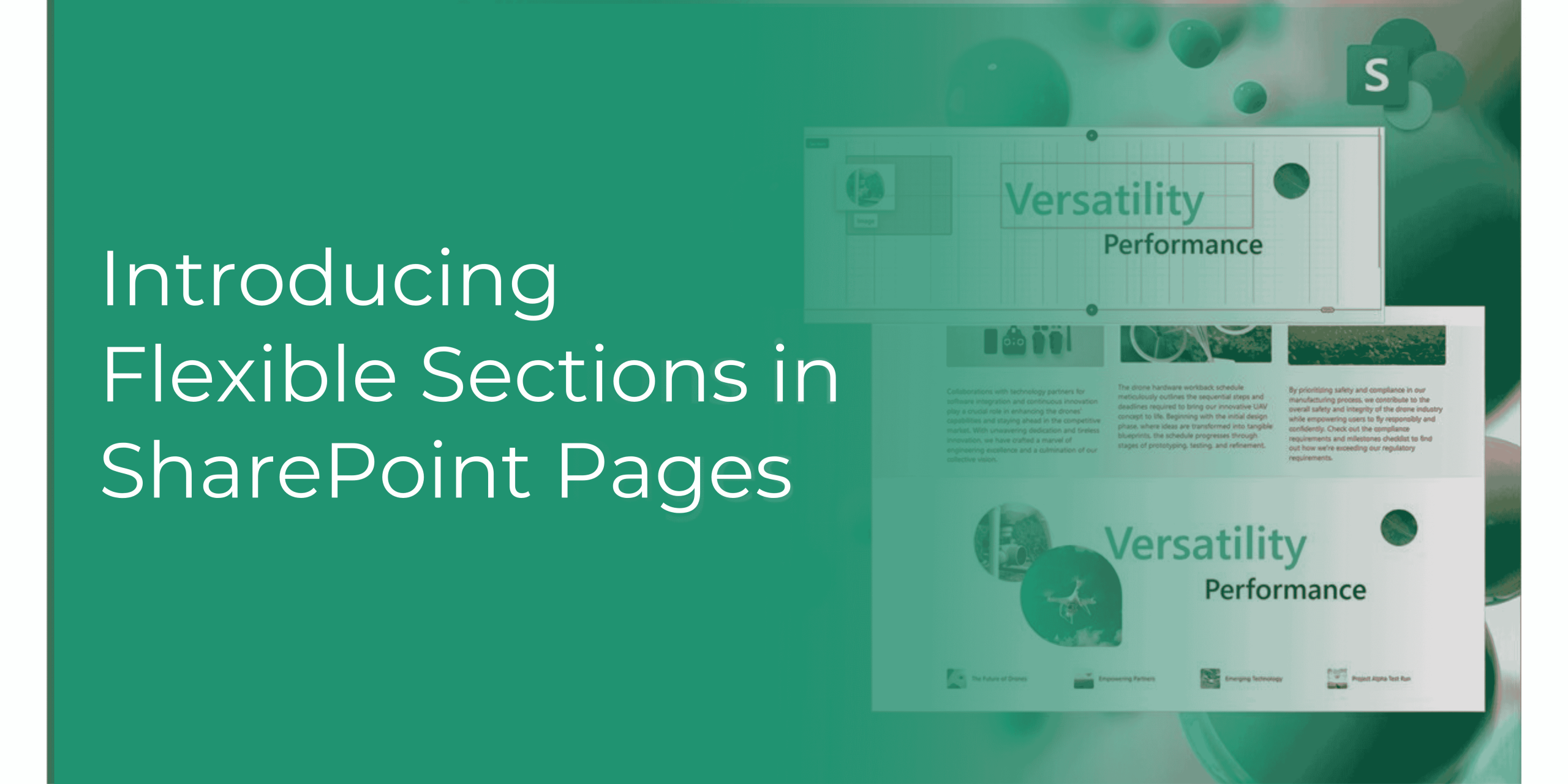
Microsoft SharePoint has always been a powerful tool for creating and managing content. With the introduction of the new SharePoint Flexible Sections feature, designing and customizing pages has become even more intuitive and versatile. This blog will explore the challenges of traditional page design, provide examples of how the new feature can be used, and highlight the top benefits of this exciting update.
The new Flexible Sections feature in SharePoint addresses these challenges by allowing authors to build dynamic pages without the constraints of a strict column structure. Here’s how it works:

SharePoint’s new Flexible Sections feature is a game-changer for organizations looking to create dynamic and engaging pages. Its integration with Microsoft 365, ease of use, and powerful customization options make it the ideal tool for managing SOPs and other critical documents. SharePoint for Policy Management
For a detailed walkthrough of the new Flexible Sections feature, check out this video by Microsoft1.
In conclusion, the Flexible Sections feature in SharePoint empowers users to design pages with greater flexibility and creativity, ultimately enhancing the overall user experience and productivity.
Read More: https://adapt365.titanworkspace.com/blog/
Comments are closed